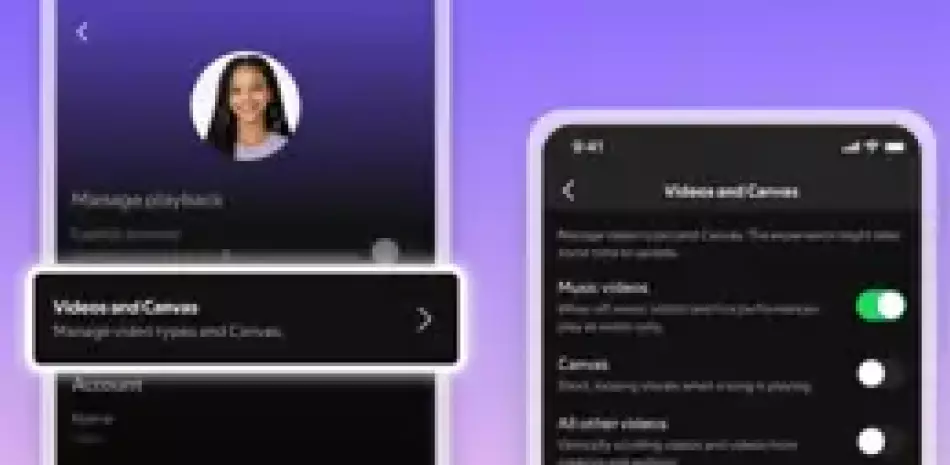
Spotify has introduced new video control features, allowing users to disable canvases and videos to focus solely on the audio of songs or podcasts.
Family subscription administrators will be able to activate or deactivate video content for any member of the plan through the settings within the application itself, as indicated by the company in a statement on its website.
The platform has stressed that this new function is now available for all family plan accounts administered for users under 13 years of age. For example, in a family account, a mother can deactivate this option so that her son does not watch the videos on the platform while he is studying to prevent him from being distracted. Once you finish studying, you can unlock the video.
On the other hand, Spotify will also incorporate new settings so that all users, both subscribers and free users, can control how the video is displayed in the application.
To access them, you must go to settings, to the content and display section, and there you can activate or deactivate loop videos, video clips or any other type of video, such as podcast recordings. This configuration will be registered for all devices, whether ‘smartphones‘, computers, web, televisions or any support.
Thanks to these updates, listeners can choose exactly how they interact with videos that complement music and podcasts within Spotify. “Control changes everything. Time stops feeling like a loss and becomes something valuable,” the platform has highlighted.